Clients, projects and invoices in one Notion workspace
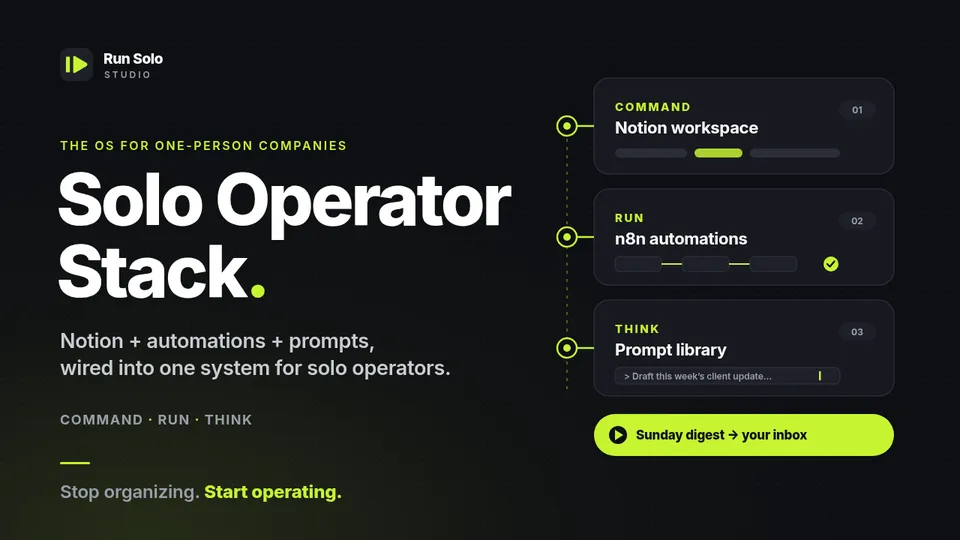
7 connected databases, a Command Center and a Sunday Review page, with sample data. Works on Notion Free, on its own. Want an email when an invoice is overdue? Add the 6 optional n8n workflows (needs your own n8n).
Get Solo Operator Stack, $7914-day money-back guarantee
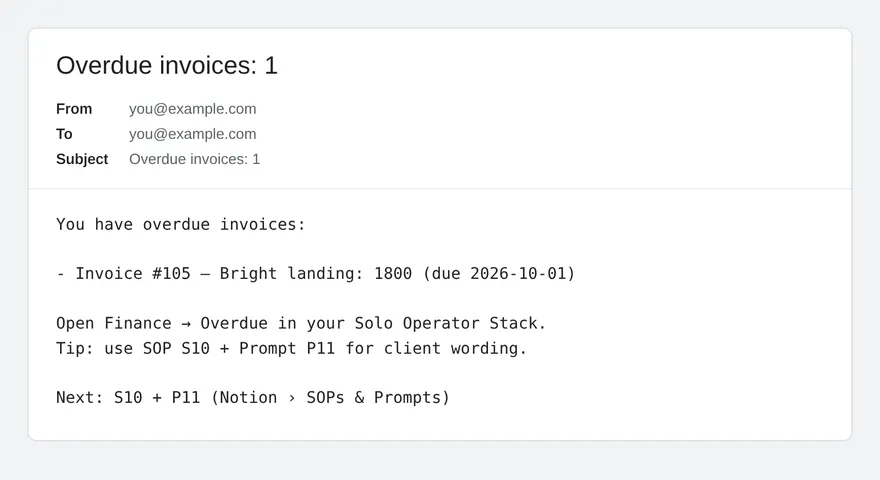
The problem: you only notice late invoices when it's too late
Clients live in email, invoices in a spreadsheet, deals in your head. A freelancer invoice tracker only helps if you open it, and on a busy week you don't.
Can Notion send email reminders?
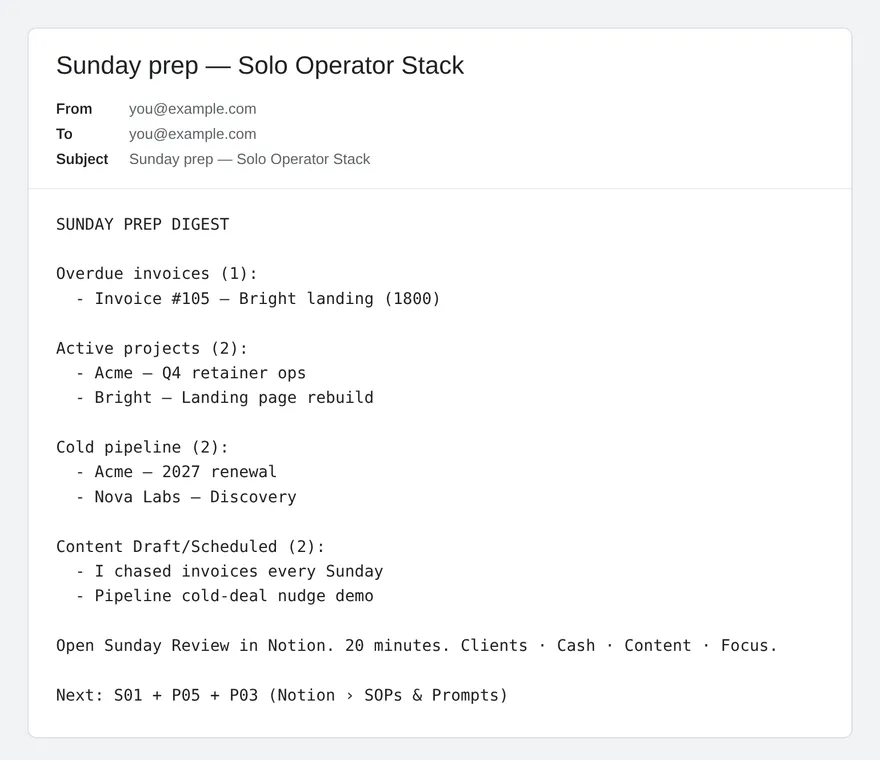
Notion can remind you inside Notion, but it won't email you a summary of what's overdue. Solo Operator Stack adds n8n, an automation tool you can self-host for free or run on n8n Cloud (paid plan). n8n reads your Notion databases and emails you. Your Sunday digest arrives at 09:00 by default, you pick the time, straight to your inbox.
What's inside
1. The Notion workspace
7 connected databases: Clients, Projects, Pipeline, Content, Finance, Weekly Reviews, SOPs & Prompts. Plus a Command Center, a Sunday Review page and a Start here page. Sample data included. Works on Notion Free or Plus.
2. Six import-ready n8n workflows
- W1 New lead → Client + Pipeline: a form lead becomes a new client and deal in Notion
- W2 Overdue invoice reminder: a daily check of Finance, email to you when something is overdue
- W3 Cold pipeline nudge: an email about deals with no update for a while
- W4 Content idea capture: POST your idea to a webhook (
/webhook/solo-operator-idea) and it lands in your Content database as Status=Idea - W5 Sunday digest: overdue money, active projects, cold deals and content due in one email
- W6 Project done → closeout: an email that points you to your closeout checklist in Notion
W1 and W4 add rows to Notion. The others only read your databases and email you. None of them creates or sends invoices. Each workflow comes with a CONFIG node, a README and test steps. Automations are optional: the Notion workspace works on its own.
Setup videos for the optional workflows (n8n account, import, email config), plus video or image guides for the workflows.
3. 10 AI prompts + 10 SOPs
For clients, cash, content and your weekly review. Each one says when to use it, what to put in and what you get out.
What you'll need
- Notion (Free works); a free internal integration only if you use the workflows
- n8n, self-hosted or n8n Cloud (only for the 6 optional workflows, set up separately)
- An email account for n8n to send from (SMTP or Gmail), only for the workflows
Who it's for
Freelancers and solopreneurs who want one weekly rhythm for clients, cash and content.
Who it's not for
Agencies needing a multi-seat CRM. Anyone wanting a full invoicing or time-tracking replacement.
FAQ
- Do I need to know n8n?
- You don't build anything from scratch: import the file, fill in the CONFIG node with help from the README, and run the test steps.
- Does it work with other automation tools?
- No, the workflows are built for n8n only.
- Is my data safe?
- Your data stays in your Notion and your n8n. No hardcoded tokens.
- Refunds?
- 14-day money-back. Email [email protected] for a full refund.
14-day money-back guarantee
Just need client tracking? Client Ops Kit, $29 · Not ready? Free weekly review template